graphics.supply

Portrait Scenes

A new setting for the same portrait.

88 portrait backgrounds · Digital PNG download

Designed studio sets for a new portrait direction. Explore sculptural geometry, fabric and playful colour, with outdoor locations and classic textures included.

$19
Buy & download

Pay once. Commercial use. 30-day money-back guarantee.

Not sure yet? Try 6 full-resolution files free

Portrait examples

Give your portrait a designed setting.

Sculptural studio sets, playful colour and softer fabric settings. Explore a different direction for families, children and adult portraits.

Build the setting around your portrait.

Sculptural arches, soft drapery, playful paper forms and bold colour. Choose a studio set that gives your portrait a distinct look, with outdoor locations and classic textures available for another direction.

A playful place to be yourself: portrait example using an included backgroundExample

Give the little moments a playful setting.

Pastel paper ribbons, oversized circles and sculpted flowers turn a simple portrait into a more playful image. Clear space in the middle leaves room for the child’s expression and movement.

Choose the set around the pose and outfit. A quiet area behind the face and believable space beneath the feet help the subject sit naturally within the design.

Shape, colour and presence: portrait example using an included backgroundExample

Make shape and colour part of the portrait.

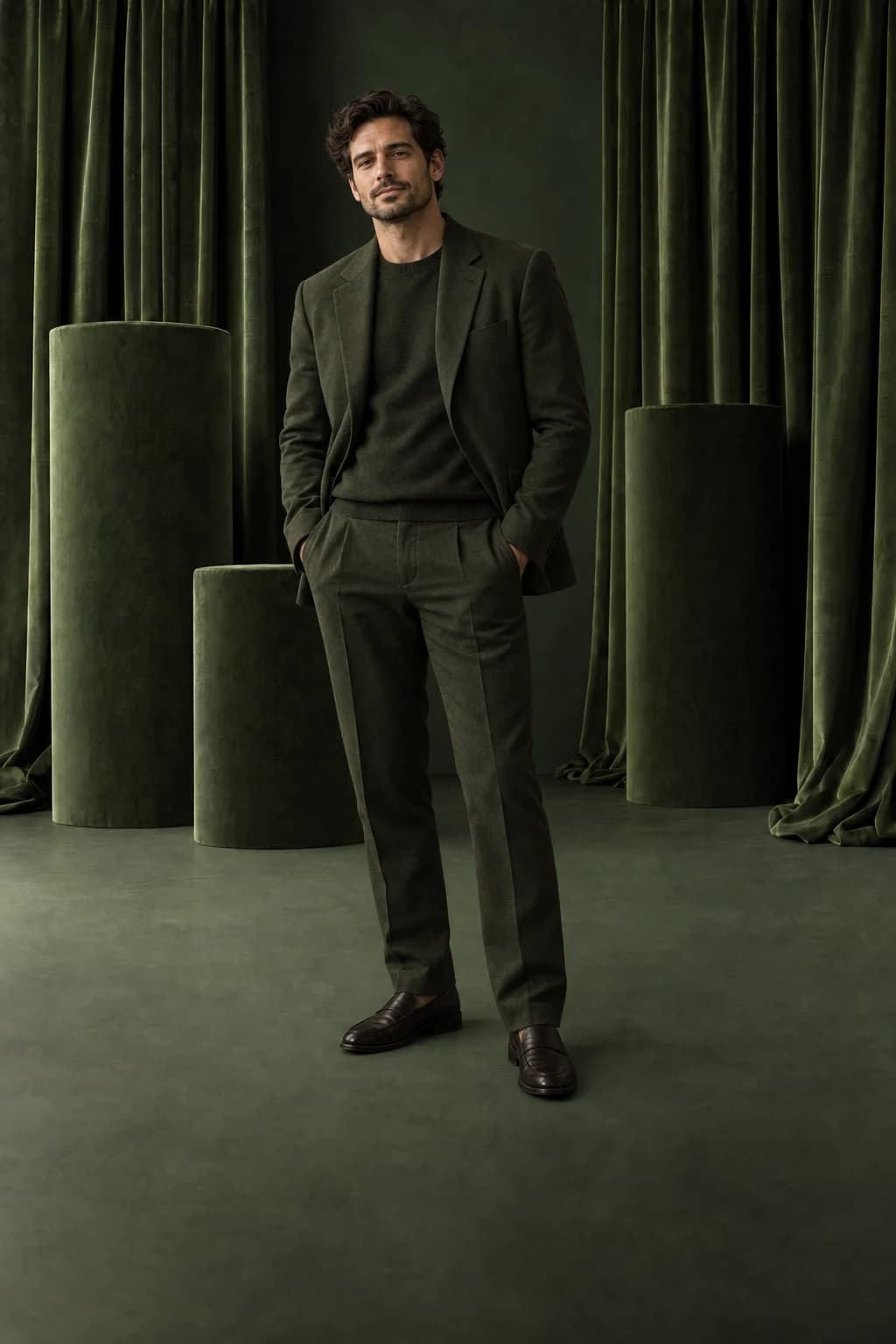
Terracotta curves, velvet columns and graphic planes create a stronger editorial setting. Use them for full-length portraits, fashion imagery and personal projects that call for a designed studio look.

Pick a palette that works with the clothing, then match the direction and softness of the light. The geometry gives you a clear guide for perspective, scale and where a shadow should fall.

From a plain wall to a studio set: base image
From a plain wall to a studio set: finished example
BeforeAfter

Give a simple portrait a bold setting.

A plain studio wall becomes a deep teal set. The pale outfit stands out against the geometric shapes, changing the look of the portrait without changing the pose.

Choose a photograph with soft light from the left to suit this background. Place the set beneath your masked subject, match their scale to the room, then add a soft shadow beneath their feet.

Inside Portrait Scenes

Choose the shape of your next portrait.

A few of the studio sets in the collection. Sculptural forms, tactile fabrics and playful colour, with space for your subject.

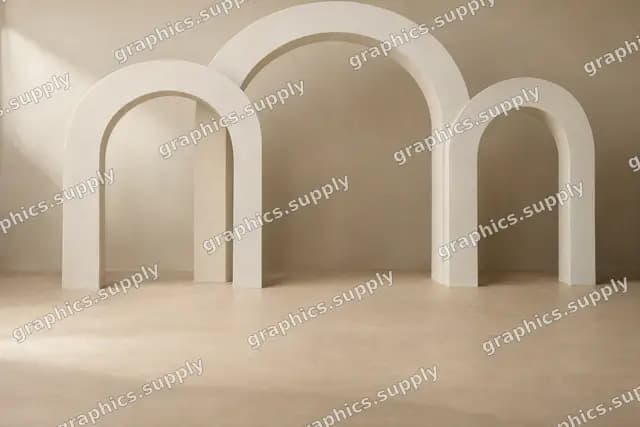
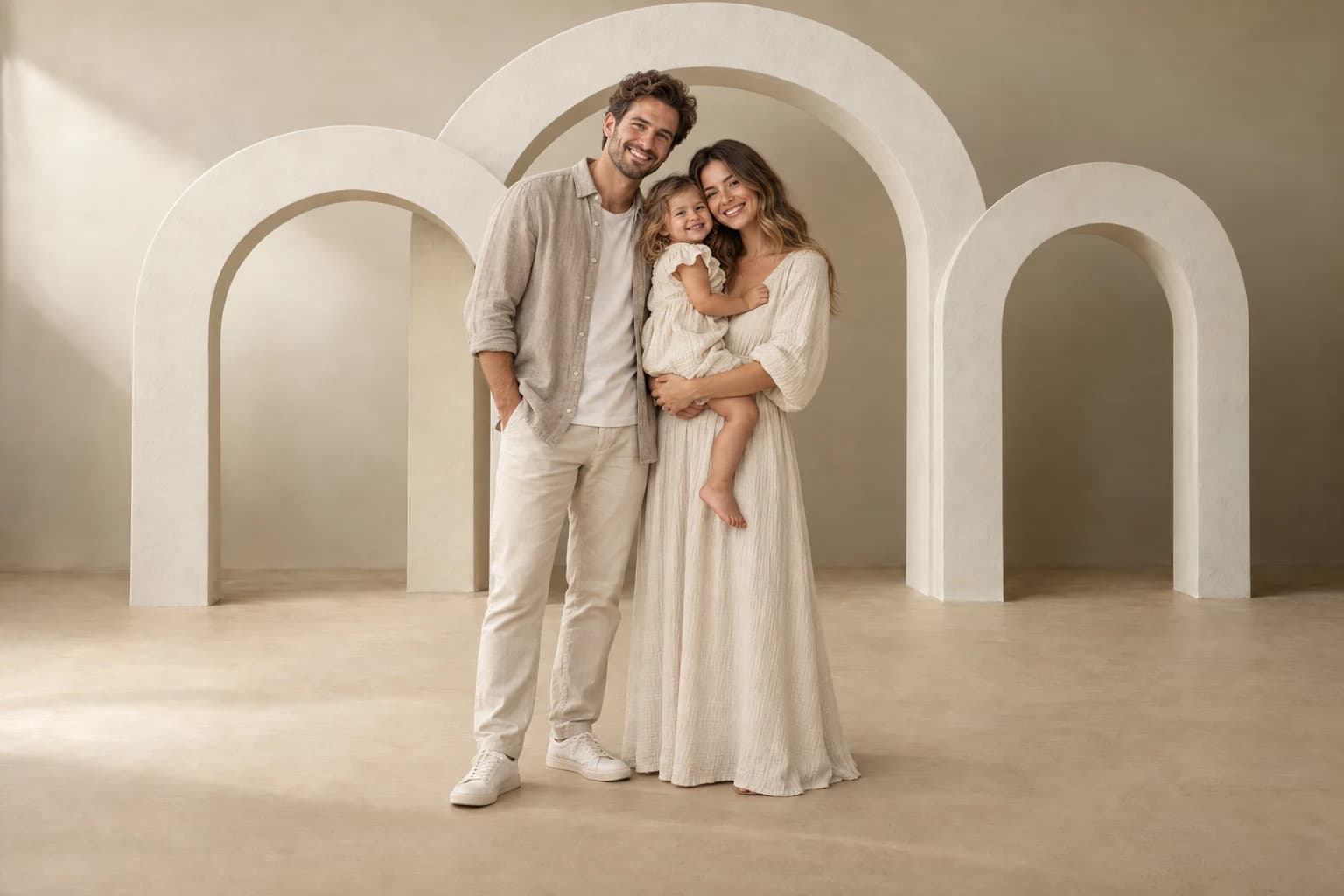
Ivory arches studio — watermarked background preview

Ivory arches studio

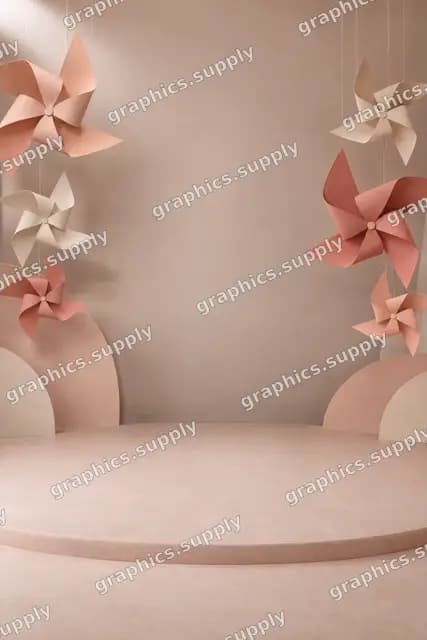
Peach paper pinwheels — watermarked background preview

Peach paper pinwheels

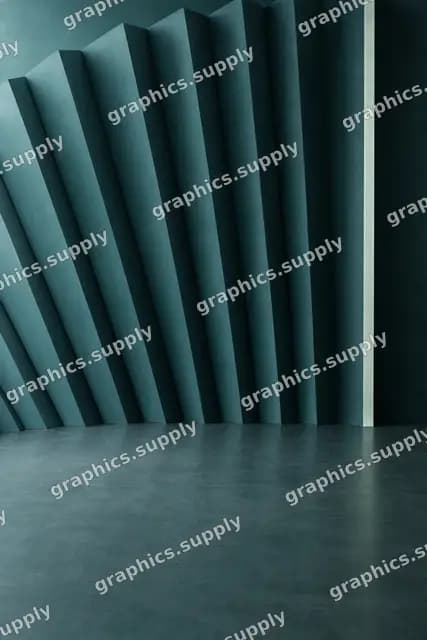
Deep teal radial fins — watermarked background preview

Deep teal radial fins

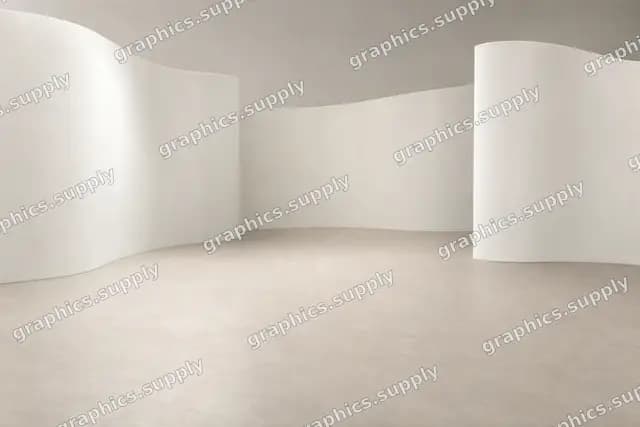
Porcelain wave walls — watermarked background preview

Porcelain wave walls

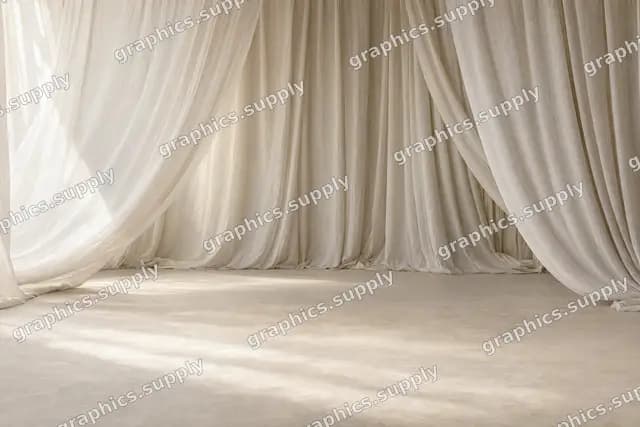
Ivory linen canopy — watermarked background preview

Ivory linen canopy

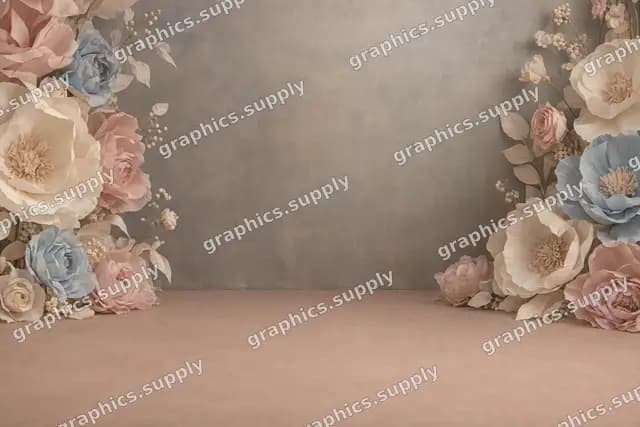
Paper flower theatre — watermarked background preview

Paper flower theatre

Your download includes full-size backgrounds without watermarks.

Your download

88 PNGs. Ready for your library.

One ZIP download, approximately 2.63 GB.

File index, usage notes and personal & commercial licence included.

Studio sets & locations

80 PNGs

Sculptural indoor sets, colourful paper scenes and outdoor locations with room for your subject.

Studio backdrops

8 PNGs

Selected painted and textile textures for closer portraits.

Use the editor you know.

Any editor with PNG layers, masks and blend modes — including Photoshop, Affinity Photo and Photopea.

File dimensions Width × height, in pixels

Landscape
7008 × 4672
Portrait
4672 × 7008
Each file comes in one of these shapes.

Everything in this collection, ready for your next edit.

Match the setting to your photograph.

Use any editor with PNG layers and masks. Background replacement needs a clean subject selection, matched perspective and attention to the light.

Read the full editing guide
  1. Choose the set

    Match the camera height, light direction and pose. Use a set with a floor for full-length portraits, or a classic backdrop for a tighter crop.

  2. Place your subject

    Add the background beneath a masked person. Match their scale and refine hair, clothing and the spaces between limbs.

  3. Bring the image together

    Match colour, brightness and focus. Add the contact shadows and check the complete frame before exporting.

A different subject. Another direction.

For the portrait you want to make.

Choose a designed studio setting for families, children and adult portraits. Explore the included outdoor locations when the photograph calls for a garden, a natural landscape or a street instead.

The download contains empty backgrounds. It does not include the example people or automatically cut out, relight or place your subject. The portraits on this page illustrate the look of selected sets.

A few things before you start.

What arrives after checkout?

You receive 88 unique PNG files in organised folders, an English file index, usage notes and a licence. One ZIP download, approximately 2.63 GB. Open the download link in your order email or Polar customer account, then unzip the files on your computer. The product is a digital download; no physical box is shipped.

What resolution are the files?

Landscape: 7008 × 4672 px. Portrait: 4672 × 7008 px. Dimensions are width × height. Each PNG comes in one orientation; the same image is not repeated in every shape. The included file index gives its exact dimensions. Website previews are smaller than the download files.

How do I use these files?

Use an editor with PNG layers and masks, such as Photoshop, Affinity Photo or Photopea. Mask your subject and add the background beneath them. Choose a scene with a compatible camera height and light direction, then refine hair and clothing edges. Match colour and focus; for a full-length portrait, add a contact shadow where the person meets the ground. These are backgrounds for manual compositing.

Open the editing guide
Can I use the files for paid client work?

Yes. The included licence covers personal and commercial composites, including flattened client deliverables, social content and advertising. Keep the source PNGs in your own working library; do not redistribute or resell them, including in templates where they can be extracted.

Read the full licence
Are these photos, presets or image layers?

These are individual PNG layers for your photo edits. People, example portraits, automatic background removal and layered PSD templates are not included. The finished examples illustrate possible uses of the collection.

Do I need Full Library?

Portrait Scenes is a complete, standalone collection. You can use every file in this pack without buying anything else from graphics.supply. Full Library is an option if you also want the other collections; it costs $35 in total.

Where do I get help or find my download?

Use the access link in your order email or open Your downloads from the footer. If you need help, email hello@graphics.supply with your order reference and, for a file issue, the filename and your editor.

What if I have a problem with my purchase?

Every collection has a 30-day money-back guarantee. Email hello@graphics.supply with your order reference within 30 days for a full refund, no reason needed. We also help with missing downloads, damaged files and duplicate purchases.

Read the refund policy

Portrait Scenes

Keep the moment. Find its setting.

88 PNGs with a file index and usage notes. Download once, make them part of the way you edit.

$19
Buy & download

Pay once. Commercial use. 30-day money-back guarantee.

Not sure yet? Try 6 full-resolution files free

Secure checkout with Polar. Download help · Refund policy